
Court bookings and management for residential estates
A clear schedule for estate teams. An easy way for residents to get a game together.
For estate teams
Run your courts from one place.
See what’s happening across your courts, handle bookings at the desk, and keep track of payments and equipment.

- Resident approvals
- Review applications and manage estate access.
- Court management
- Manage bookings, block time and see which matches are paid.
- Equipment tracking
- Track stock, returns and items that need attention.
- Settlement statements
- Review court receipts, refunds and recorded transfers by month.
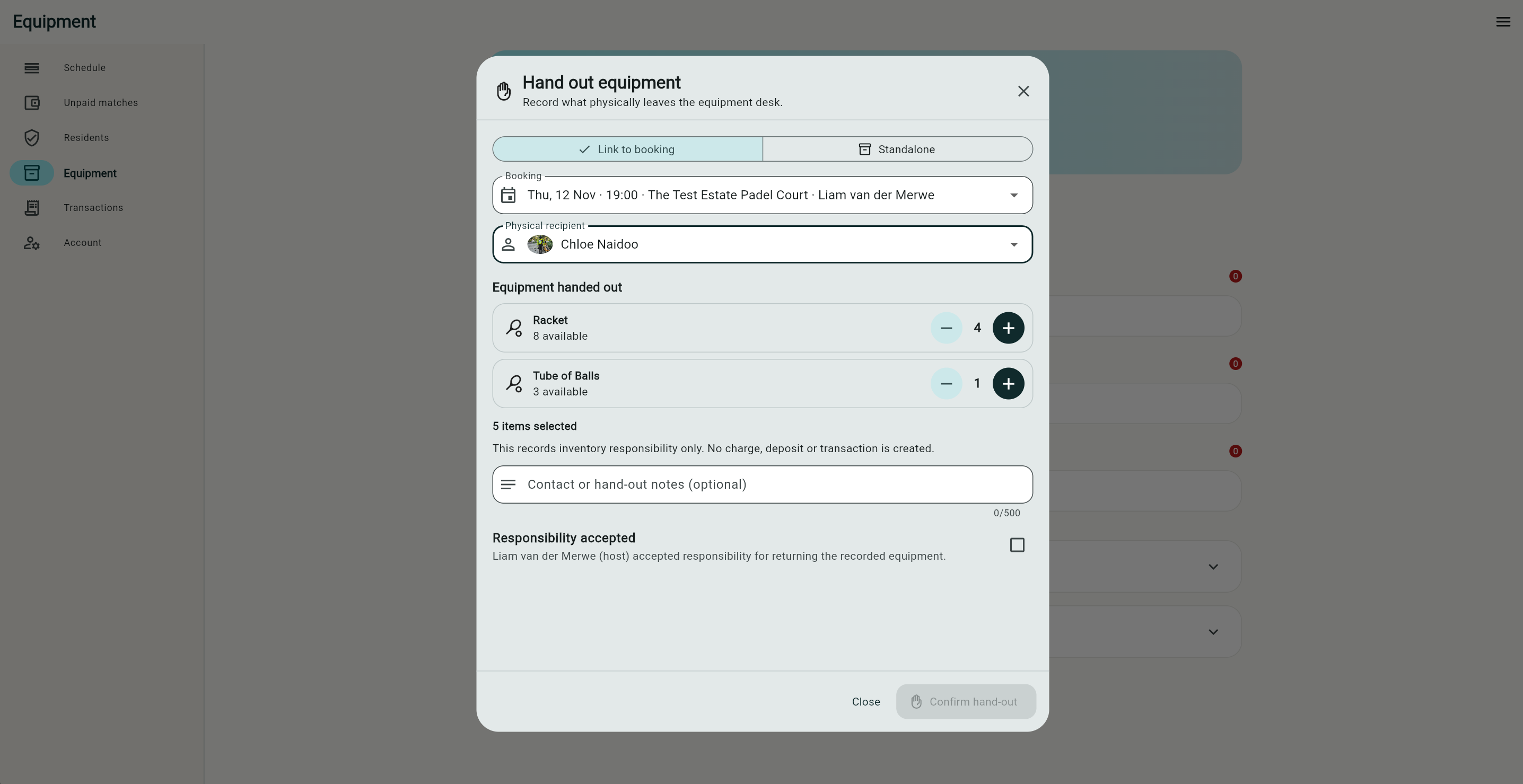
Hand out equipment
Choose the items and quantities, record who is responsible and link the hand-out to a booking if needed.
For residents
From open slot to game time.
Find a court at your estate, get your players together and keep the match details on your phone.
- Find a time
- See available courts and choose a slot.
- Invite players
- Share the game privately or open it to your estate community.
- Pay your share
- See the total before you confirm your payment.
- Open your booking pass
- Keep the court, time and players together.


Find a match. Keep your results.
- Join an open match
- Browse games at your estate. Check available places, skill levels and what it costs to join.
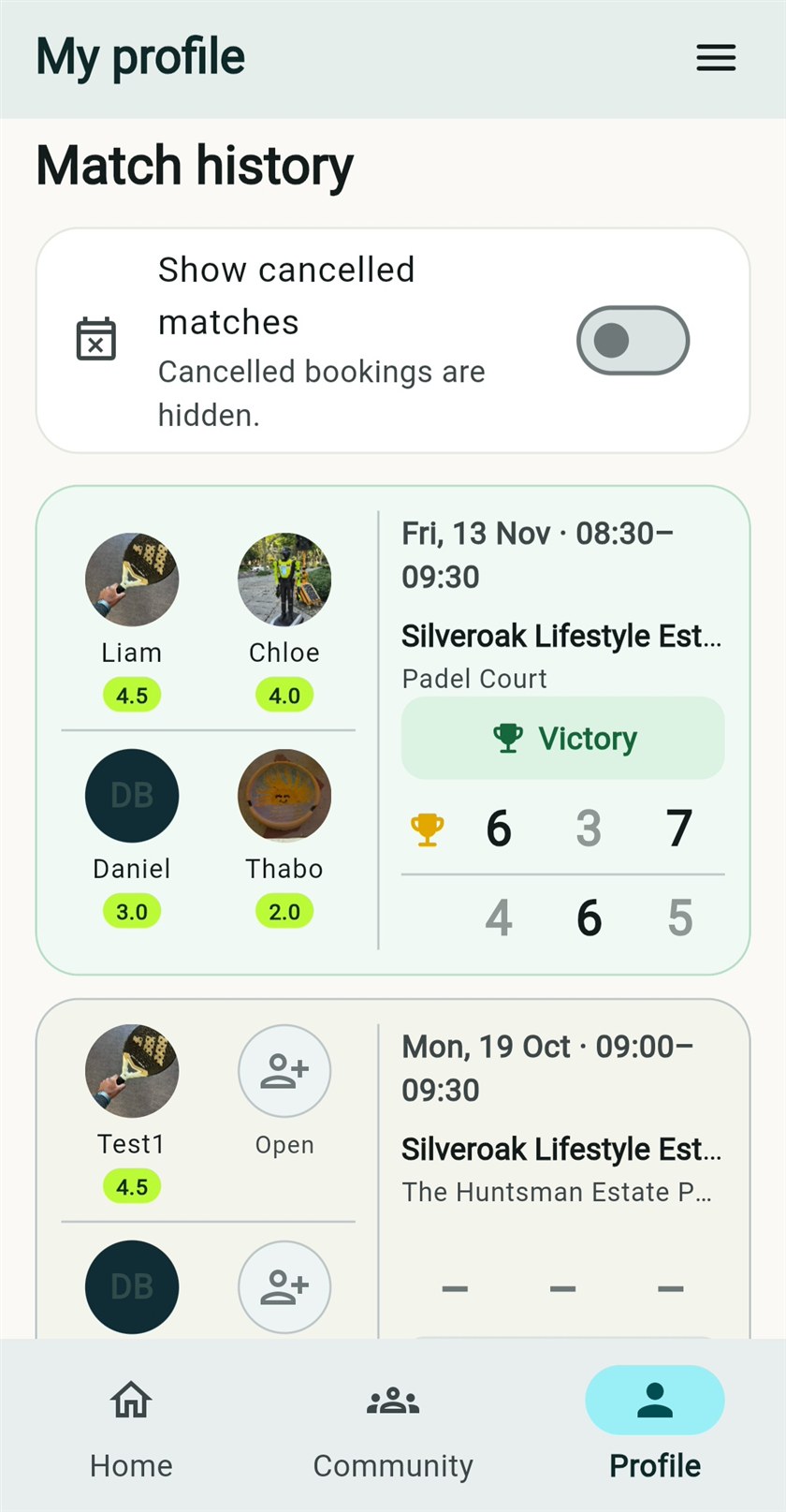
- See your match history
- Open your profile to revisit past matches, see who played and check the recorded scores.